Hero images
Take a small image all the way to a full-width placement.
Enlarge a favorite image for a hero, a cover or print, and keep the texture and edges that make it worth a closer look.
Take a small image all the way to a full-width placement.
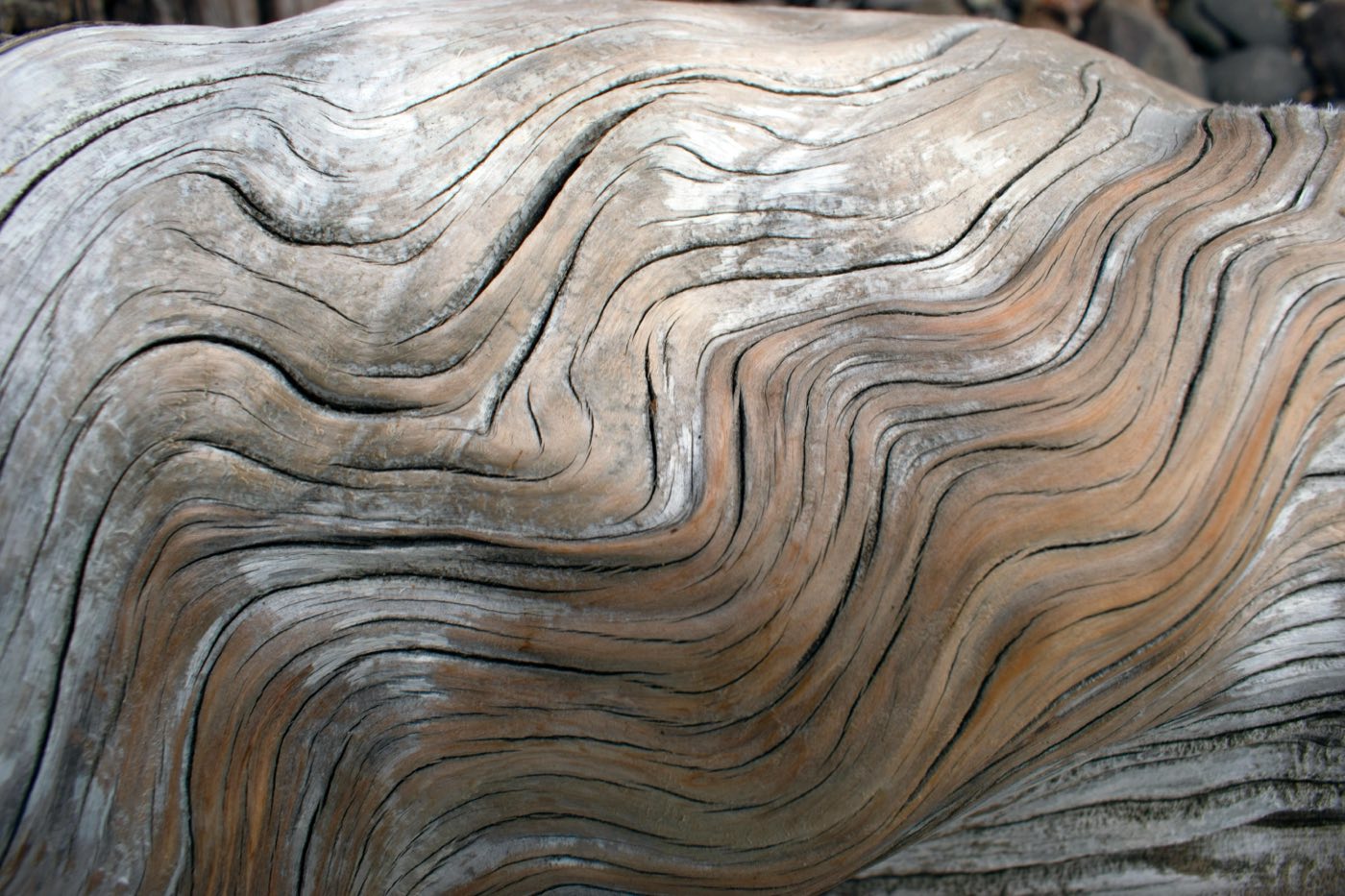
Zoom into a texture or a detail without losing its character.
Show the materials and finishes people want to see up close.
Bring every image in a collection to the same quality.
Use the highest-quality version you have, before any compression.
Pick the scale for where the image will appear.
Zoom in on edges, faces and fine text before you use it.
No. Resolution is one part of quality. Focus, light and the original source matter just as much.
Fine textures, faces, small text and sharp edges. They show issues a small preview can hide.
Design, brand and every finishing tool, in one place. Free to start.